A CLEAR 4-STEP OPERATING SYSTEM
How MYAILIVA turns inbox chaos into systematic deal flow.
Designed to fit your existing daily workflow without forcing you to change mail providers or compromise your sender reputation.
1. Target & Observe
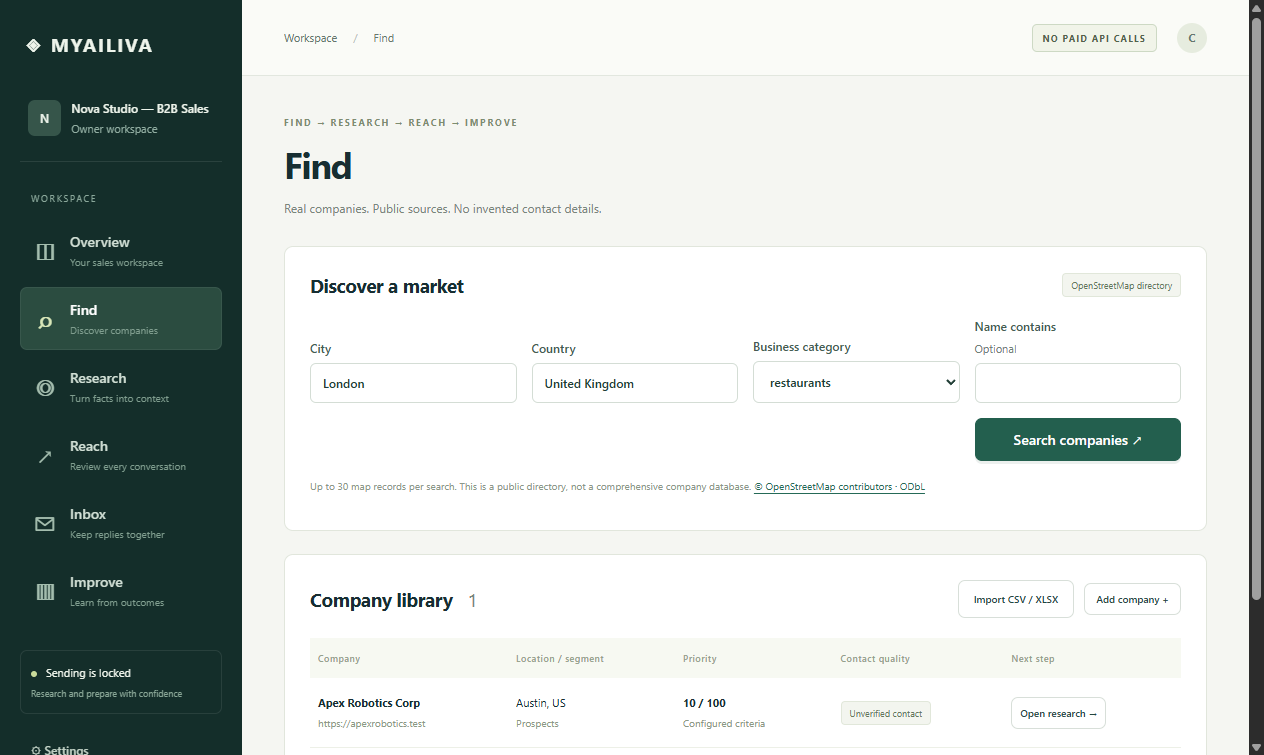
Import your target accounts via CSV or discover companies by niche. MYAILIVA inspects live website pages to gather verifiable evidence and check for prior touchpoints.
2. Fact-Based First Outreach
Create personalized opening messages referencing actual company signals. Each draft must be reviewed and approved by you before entering the scheduled delivery queue.
3. Inbound Reply Sync & Triage
When prospects respond, MYAILIVA detects the message in your inbox, matches it against sent campaigns, extracts key entities, and assigns an accurate intent badge.
4. Review & 1-Click Send
An appropriate reply draft appears in your Reach queue. Verify the dates, tweak the wording if you wish, and approve. The response sends through your connected mailbox.
STEP 3 & 4 IN ACTION
The Reply Assistant in Real Life
Here is what happens when Elena from Apex Robotics replies to an outreach note:
Inbound Message: "Hello! We are looking into email reply automation right now. Could we schedule a 15-minute demo call sometime next Tuesday or Wednesday?"
Within milliseconds:
- Classification triggers:
Interested(92% confidence). - Campaign sequence halts: follow-ups are cancelled so no redundant reminders go out.
- Outbound draft is generated proposing specific meeting windows and calendar links.
- Status changes to
draft: the email will not move until you click Approve.
WHAT HAPPENS ON A REFUSAL?
Instant Unsubscribe Compliance
Most cold email tools cause deliverability disasters when an unsubscribe request gets missed by an SDR, leading to an automated follow-up and a spam complaint.
In MYAILIVA:
- Refusals ("unsubscribe", "stop", "not interested") have absolute priority over all other keywords.
- The lead's email is immediately written to the local suppression database.
- All future queued follow-ups are killed in SQLite.
- A polite confirmation draft is prepared stating the address has been removed with zero marketing pitch.